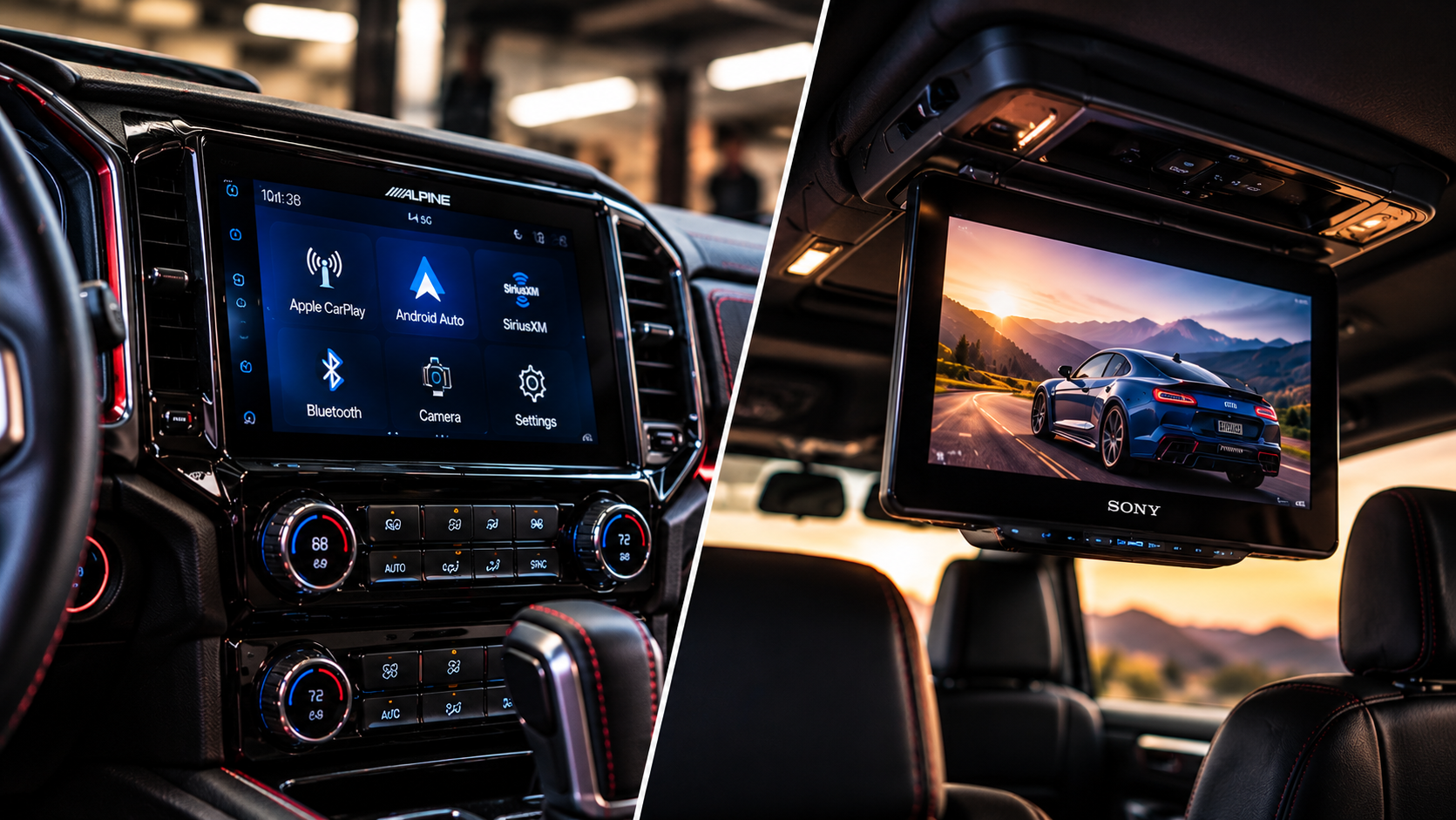
What they both do
Both CarPlay and Android Auto put your phone's key apps — maps, music, calls, messages, and voice assistant — onto a touchscreen in your dash so you're not fumbling with your phone while driving. Both support voice control, both keep your eyes on the road. The core idea is the same.
CarPlay (iPhone)
- Tight, Apple-designed interface with familiar app layouts.
- Siri voice control for calls, messages, music, and directions.
- Apple Maps, plus support for Google Maps and Waze.
- Works with most modern iPhones wired or wirelessly.
Android Auto (Android)
- Google Assistant voice control for navigation, media, and messaging.
- Google Maps and Waze integration out of the box.
- Clean, simple interface that mirrors Android's design.
- Works wired or wirelessly depending on the head unit and phone.
You usually don't have to pick
Most modern touchscreen head units support both CarPlay and Android Auto, so whoever rides in your car can connect their phone — iPhone or Android — without you committing to one ecosystem. That's the route we recommend for most people.
The real decision is the head unit itself: single-DIN vs. double-DIN, wired vs. wireless, and whether you're integrating steering wheel controls and a backup camera at the same time.
Bring it to the shop
Tell us your vehicle and we'll match a head unit that fits your dash, keeps your steering wheel controls, and gives you CarPlay or Android Auto cleanly. A lot of drivers bundle a backup camera into the same install and save on combined labor.